01Can Recallr record calls on Zoom, Meet, Teams or FaceTime?
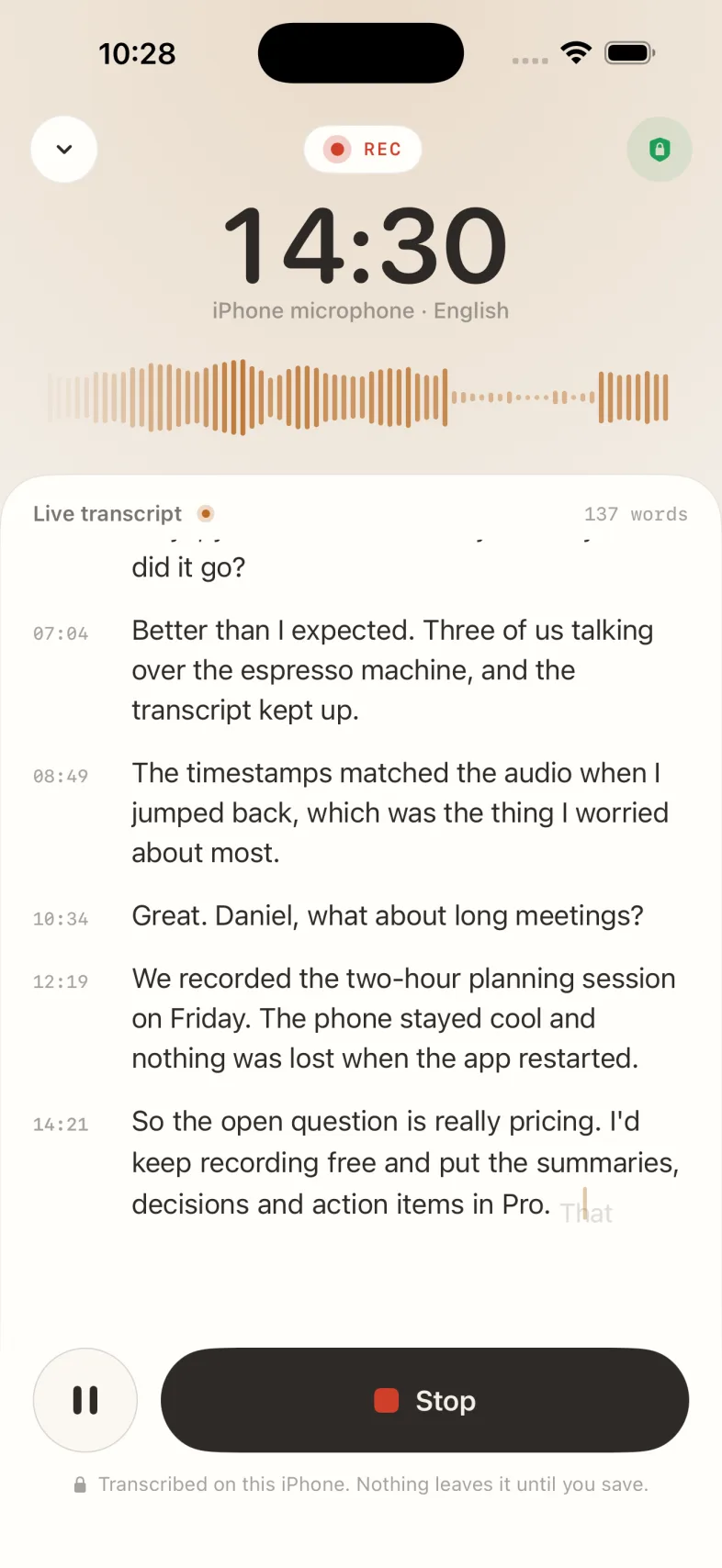
Yes. On iPhone or iPad, start Notes › Meetings › Record a meeting and Recallr records the room or the call. On a Mac, drop a recording on Recallr's menu-bar icon.
02Where is a meeting transcribed?
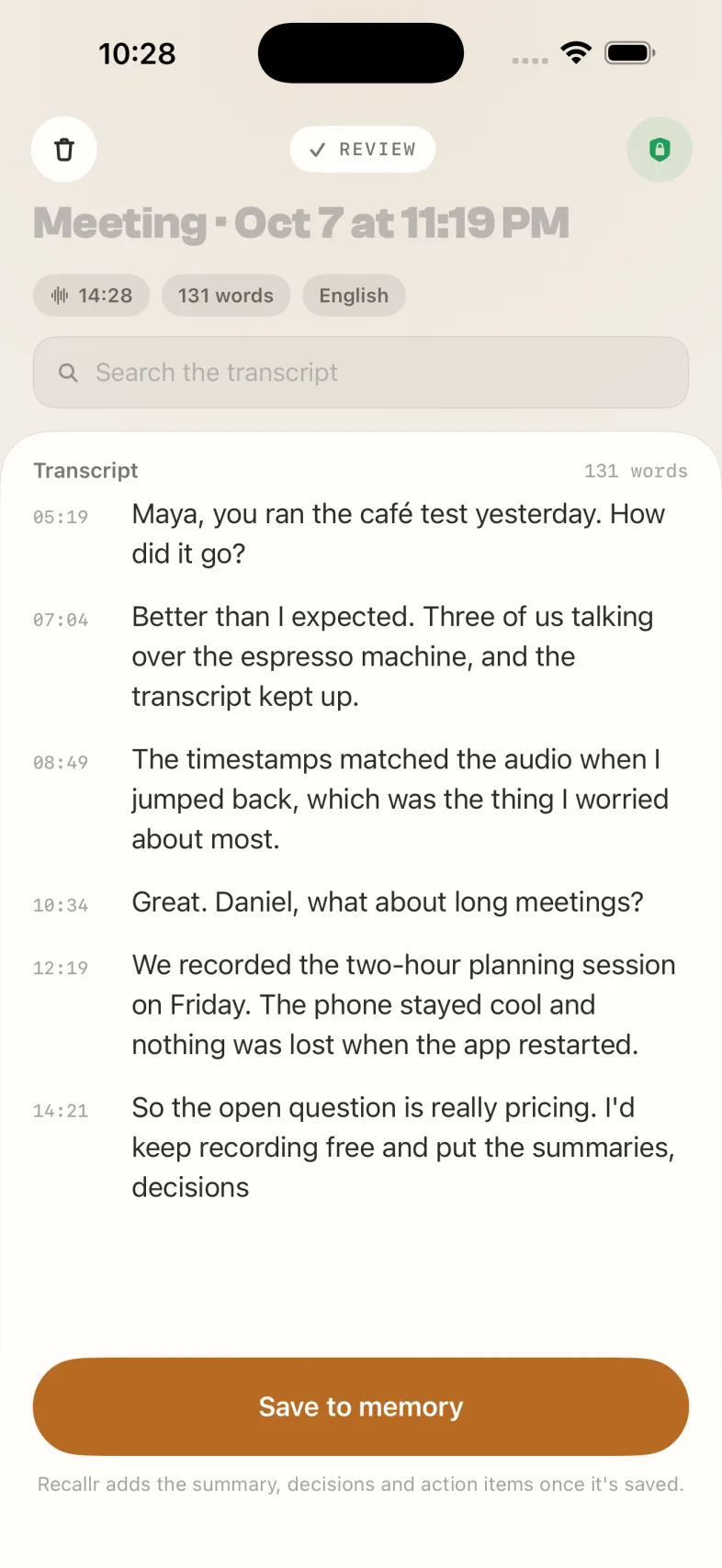
On your iPhone or iPad, as people talk. Nothing leaves the device until you save the meeting. Once it's saved, Recallr adds the summary, decisions and action items.
03How many meetings and voice notes are included?
Free includes 3 meeting recordings and 10 voice notes a month. Pro makes both unlimited, with meeting recordings up to 500 MB.
04Can I ask about a meeting later?
Yes. A saved meeting joins your memory with its transcript and summary, so you can ask about it in any chat and get the answer with the moment it came from.